
FOR BUSINESSES THAT ALREADY OWN A MAC
Turn the Mac you already own into a POS.
You don't need to buy a new computer to run a modern POS. If the Mac sitting in your stockroom or at your old counter can run macOS 12 Monterey or later, RagaSync can run on it — Intel or Apple Silicon.
The cost problem
You probably don't need a new POS computer.
A new POS terminal or an iPad-and-stand kit is a real expense for a small shop. If a working Mac is already sitting around — retired from a desk job, replaced by a newer laptop, or bought secondhand — it can go back to work at your counter instead of collecting dust.
- Skip the new-hardware line item and use a Mac you already have access to.
- RagaSync's macOS build is a universal binary, so it runs natively whether the Mac has an Intel chip or Apple Silicon.
- One less computer sent to storage or e-waste before it needed to be.
What it actually needs
The real requirement, stated plainly.
No vague "works on most Macs" claim — here is the exact floor RagaSync is built and tested against.
RagaSync's macOS app is a universal binary built for both Intel (x86_64) and Apple Silicon (arm64) Macs, with a minimum system version of macOS 12.0. In practice, if your Mac is able to install Monterey or a newer macOS release, it can run RagaSync.
- We haven't personally tested every individual old Mac model against RagaSync yet — the macOS 12 floor is the build's verified requirement, confirmed against Apple's own Monterey eligibility list.
- The current build isn't Apple-notarized. The first time you open it, macOS Gatekeeper will flag it as being from an unidentified developer — see the FAQ below for the one-time step to allow it.
- Receipt printer and peripheral compatibility depends on your specific hardware and hasn't been verified for every printer model.
Getting started
Setup, in plain steps.
Nothing exotic — install it like any other Mac app, then set up your business once.
- Install the RagaSync build on your Mac and drag it into Applications.
- On first launch, right-click the app and choose Open (or approve it under System Settings > Privacy & Security) to get past the one-time Gatekeeper warning.
- Create your business profile: name, branch, logo, and contact details.
- Pick a starting template — General Retail, Coffee Shop, Grocery Store, Laundry Shop, Spa & Wellness, or Salon/Barber — to prefill sensible defaults.
- Add your catalog, set up staff accounts, and configure your receipt.
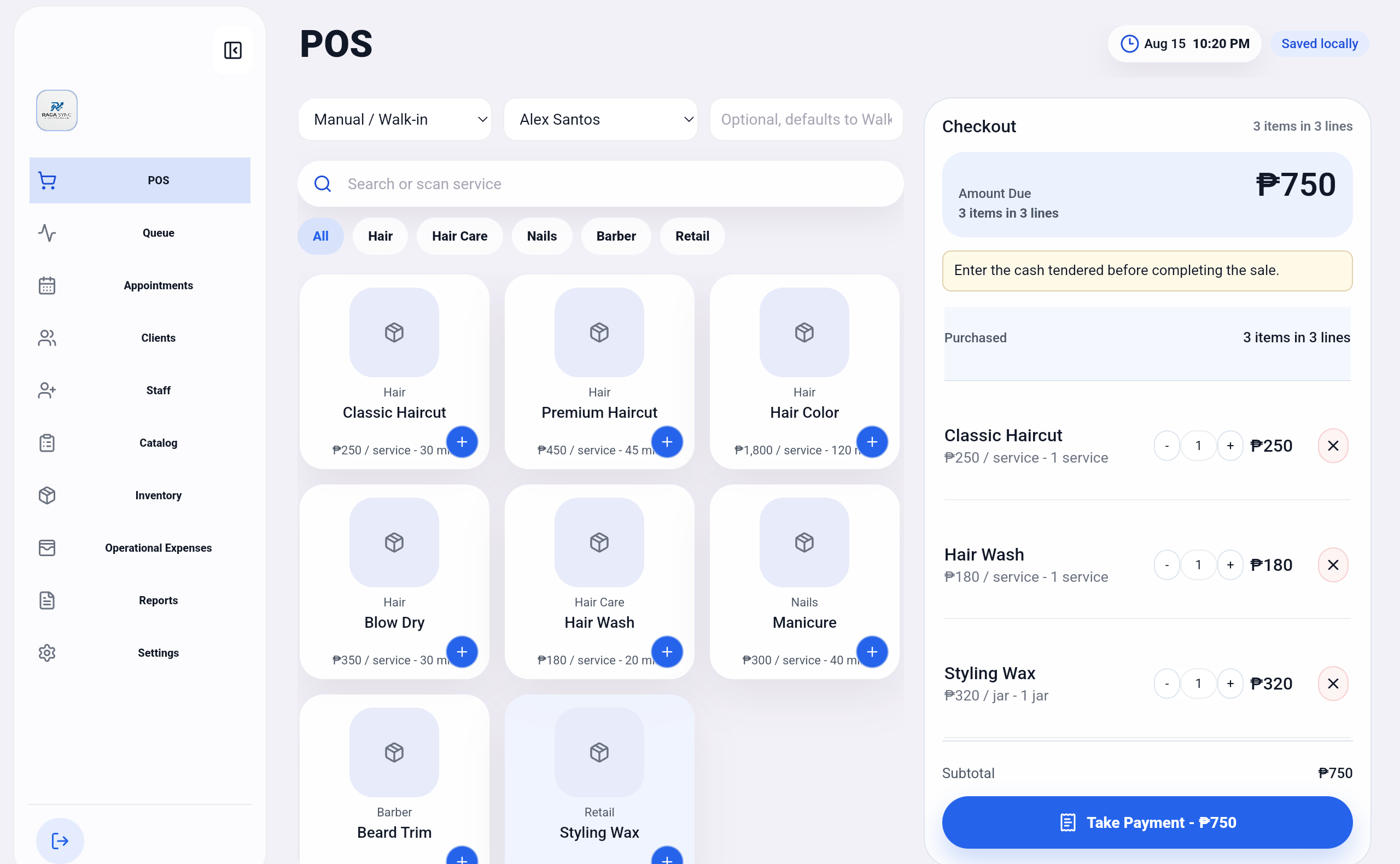
- Ring up your first sale — no internet connection required.
Built for unreliable connections
Works without the internet, on hardware you already own.
RagaSync saves sales, inventory, and customer data locally on the Mac itself. A spotty connection or a dead router doesn't stop your counter from ringing up sales — an optional Google Drive backup adds redundancy when you do have a connection, but it's never required to sell.
Is this a fit
Who this is for — and who it isn't, yet.
Good fit
- You already own a Mac capable of running macOS Monterey or later.
- You'd rather not spend on a new POS terminal right now.
- You run a single counter or a small handful of branches, each with their own device.
- Reliable offline selling matters more to you than cloud-synced, real-time multi-location reporting.
Not a fit yet
- Your Mac can't be upgraded past macOS 11 or earlier.
- You need a fully notarized, warning-free install experience out of the box.
- You need guaranteed compatibility with a specific receipt printer we haven't verified.
- You need real-time inventory sync across many branches from one dashboard.
Questions
Frequently asked.
Will RagaSync run on my exact old Mac model?
If your Mac can run macOS 12 Monterey or later, RagaSync will run on it — the build supports both Intel and Apple Silicon Macs. We haven't independently tested every individual old Mac model, so confirm your Mac can install Monterey (check Apple's published system requirements) before relying on it for your counter.
Do I need an internet connection to use RagaSync?
No. RagaSync stores sales, inventory, and customer data locally, so checkout keeps working through spotty or dropped internet. An optional Google Drive backup can be configured for redundancy, but it isn't required to sell.
Why does macOS say RagaSync is from an unidentified developer?
The macOS build isn't Apple-notarized yet, so Gatekeeper shows a warning the first time you open it. This is expected — right-click the app and choose Open, or approve it under System Settings > Privacy & Security, and it launches normally every time after.
Does RagaSync only work on Apple Silicon Macs?
No. The macOS build is a universal binary and runs natively on both older Intel Macs and newer Apple Silicon (M-series) Macs.
Is RagaSync also available for Windows or Android?
Yes. The same RagaSync workspace is available on Windows and Android, so a business can mix devices — for example, an old Mac at the counter and an Android tablet for a second station.
Let's see if it fits
Bring the Mac you have. We'll show you the rest.
Tell us about your setup and we'll walk through whether RagaSync is a good fit for the hardware you already own.